Fortnite Skin Styles Explained: Why One Outfit Has Several Renders
Alternate looks, stages, team colours, masks and glows: how Fortnite styles change an outfit, and how each style gets its own transparent render and Blender model.
What a style is
Many Fortnite outfits can be customised in the locker. Epic calls these options styles: an outfit can change colour, swap its helmet, take off its mask or switch on a glow. Some outfits have a single row of styles, others combine several, such as a stage and a colour.
On FortniteRenders, every combination is rebuilt and rendered on its own. The style selector on a skin page shows the official style icons: pick one, and the picture, the PNG download and the Blender model all switch to that style.

Alternate looks
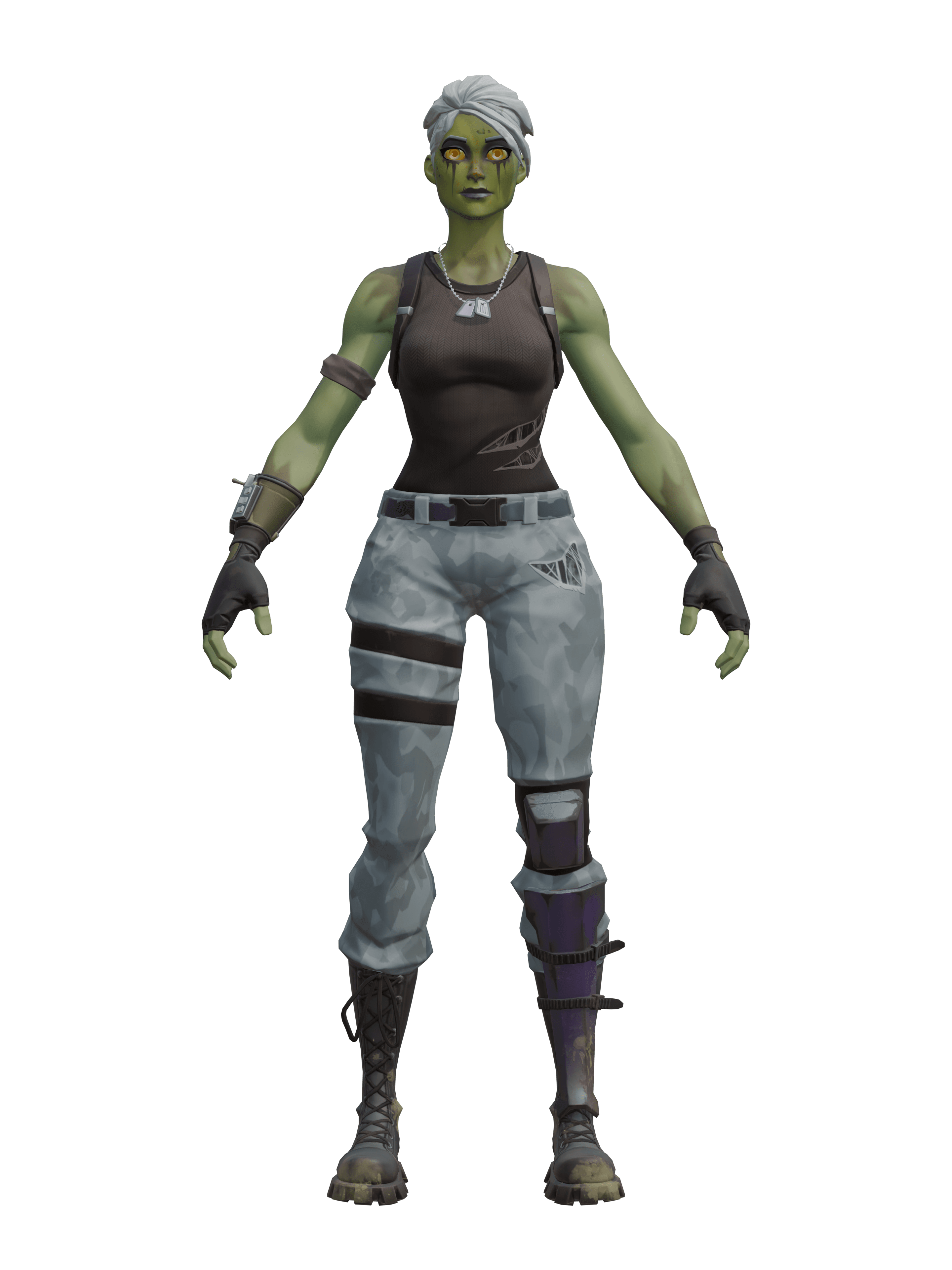
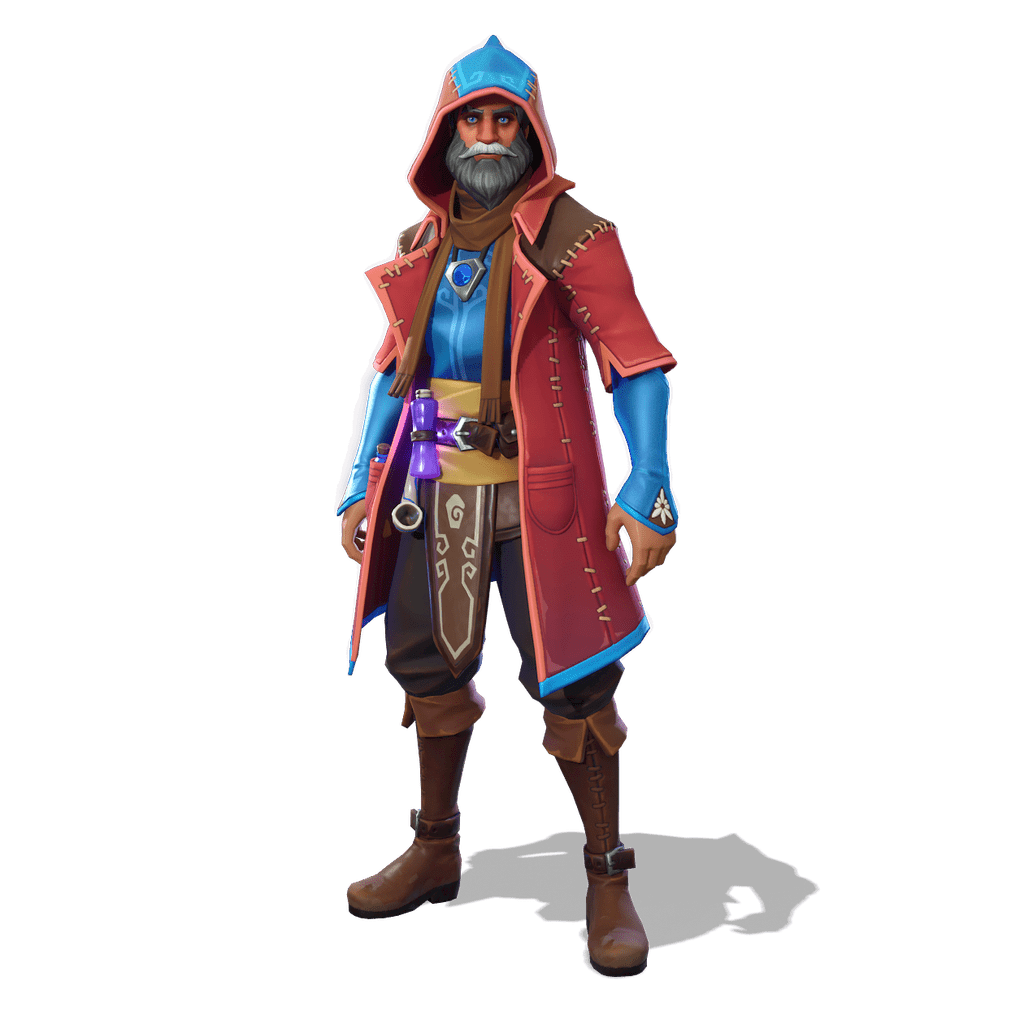
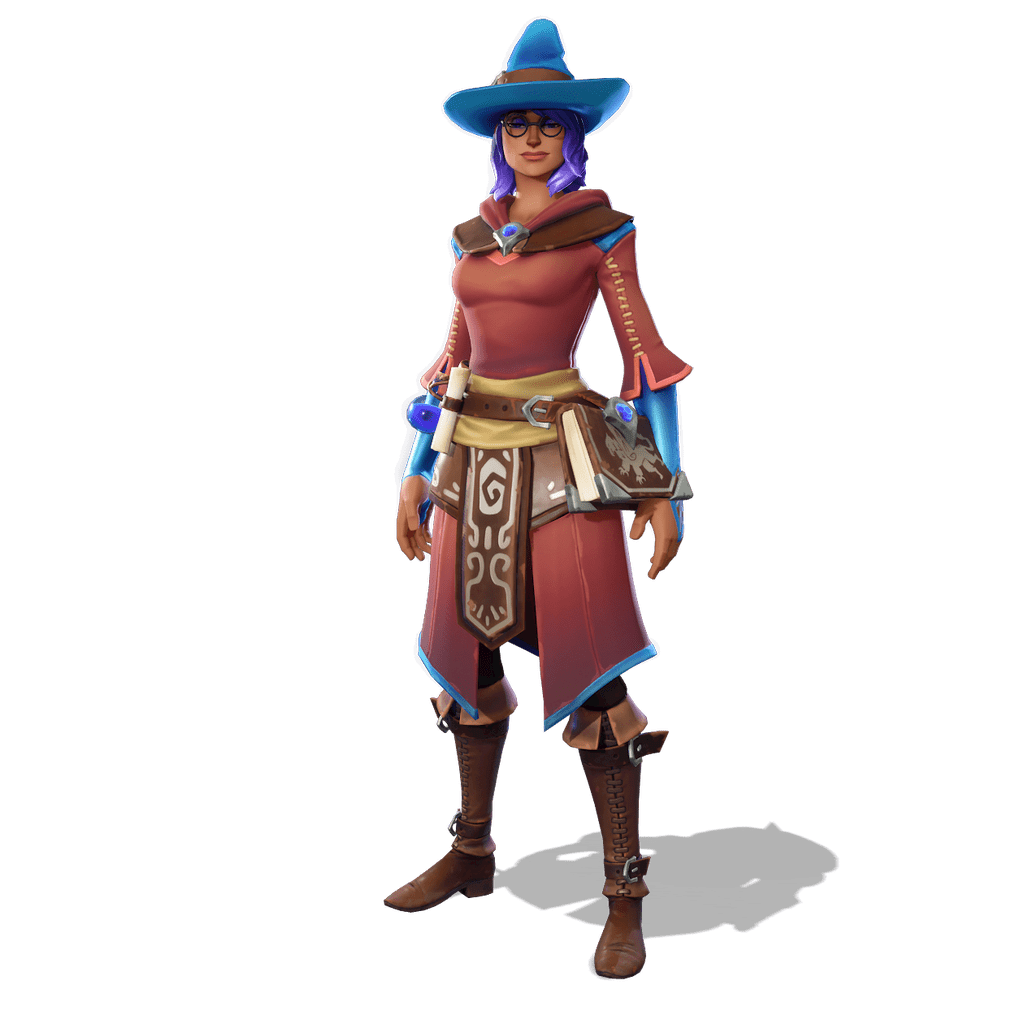
The simplest styles are complete alternate versions of the outfit. Ghoul Trooper, one of the oldest skins in the game, comes in her default look, a pink look and a zombie look. Castor and Elmira each add Fire, Icewater and Dark versions to their default outfit.
Because each look has its own render, you download exactly the version your project needs instead of recolouring a picture yourself, which rarely survives a close look at the materials.
Stages and colours
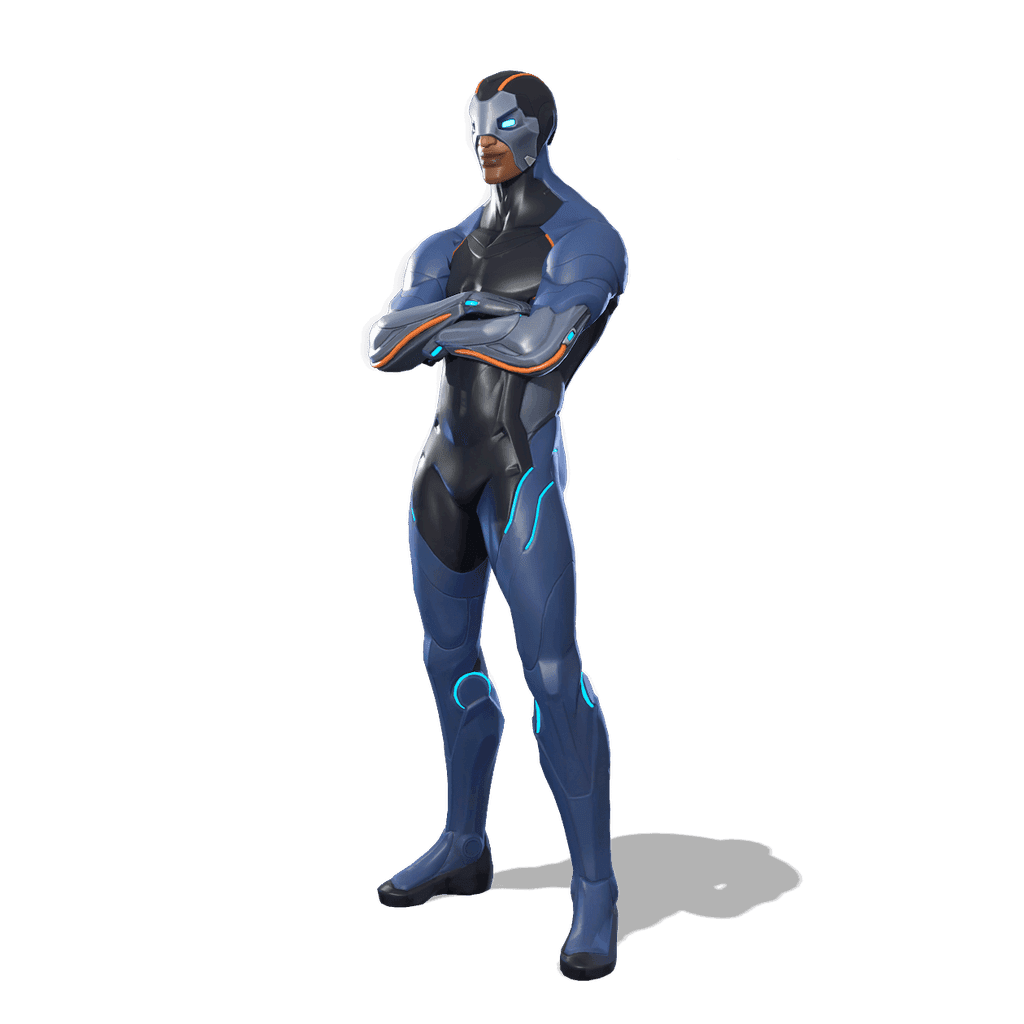
Some outfits evolve. Carbide starts with a base look and grows through five armour stages, and each of those six styles can light up in blue, yellow, green or pink: 24 renders for a single outfit. Dire goes from human to half-wolf, then to brown, grey, white or black werewolf, in four clothing colours: 24 renders as well.
Team outfits go further still: End Zone can wear the Fortnite colours or those of a long list of NFL teams, including Super Bowl editions, which makes 37 versions, each with its own render.
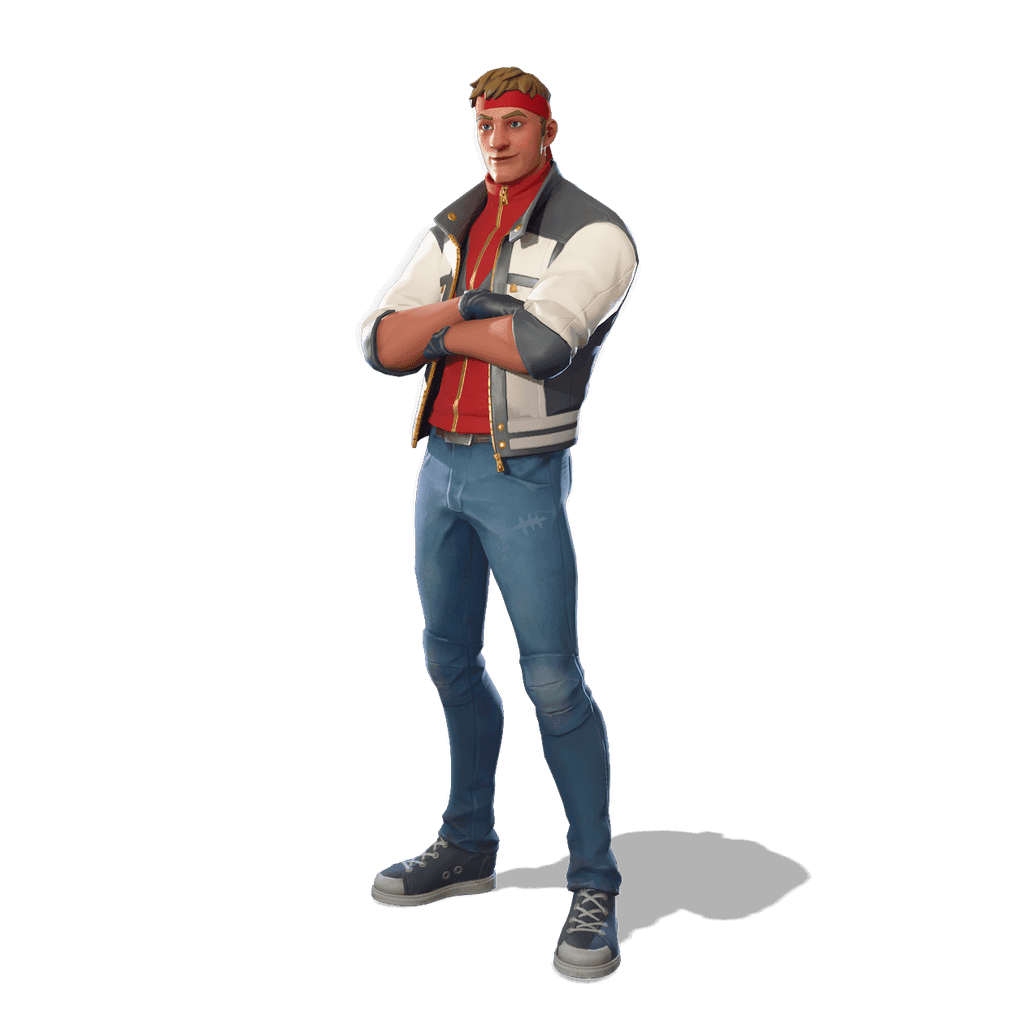

Toggles: masks, glasses and glows
Other styles switch a single element on or off. Daring Duelist can wear her mask or not, and Flare has a version without its glow. In our renders the change is made the way the game makes it: the hidden part is removed from the model and the glow is turned off in the material, so the rest of the outfit stays identical.

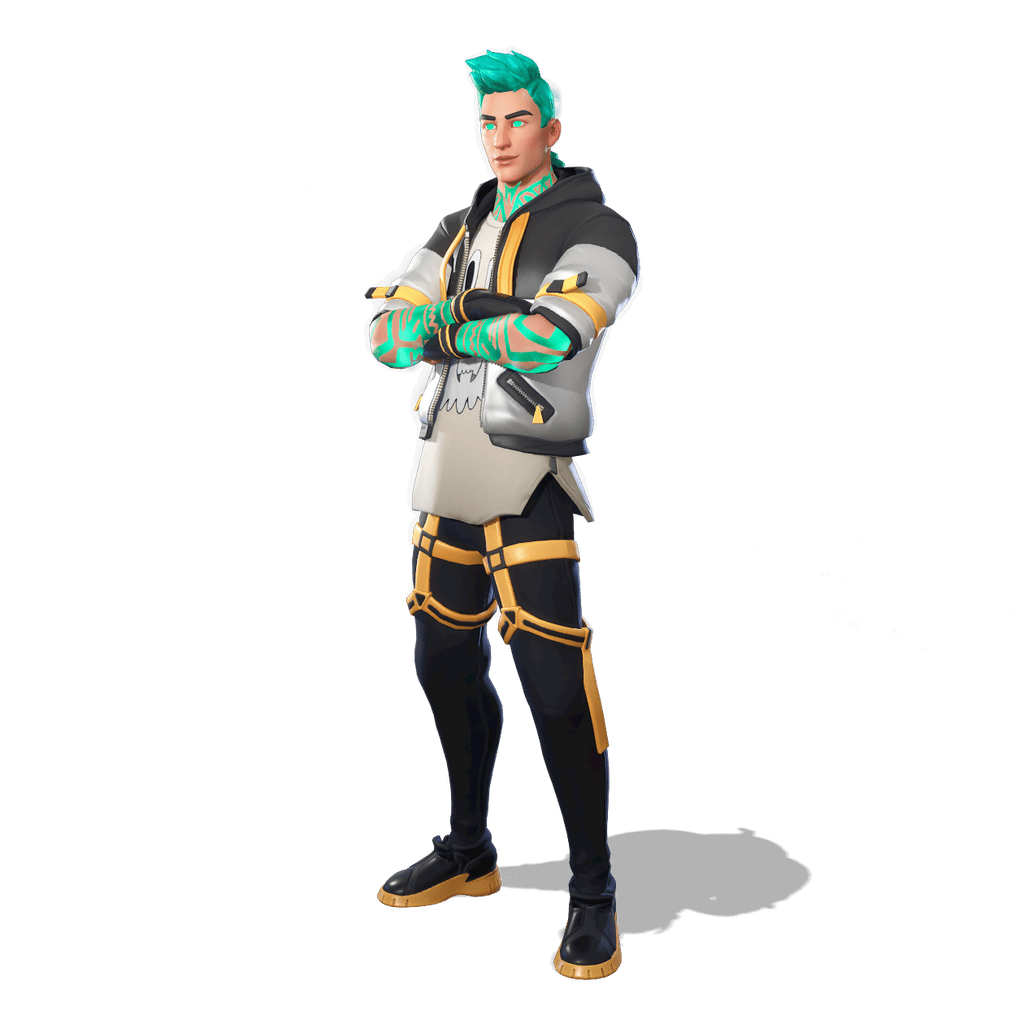
Styles marked Soon
A few styles appear with a Soon label in the selector. Super Level styles, for example, are listed but not rendered for now. The other styles of the outfit are available as usual.
Customisable suits are a special case: when every part of an outfit has its own colour picker, the combinations run into the hundreds of thousands. The site then shows the outfit in its default look, with a note on the page.
Which style for a thumbnail?
Bright, saturated styles stand out on both the light and the dark themes of YouTube. Masks and helmets hide the face, so prefer a style with a visible face when the expression matters, and a masked or glowing style when the silhouette does the work.
Not sure? Download two styles and compare them at the size of a phone screen: the one you recognise first is the one to keep. Our guide to making a Fortnite YouTube thumbnail walks through the rest of the process.
Download them for your thumbnails
4K transparent PNGs and Blender 3D models (.blend), free for your thumbnails and illustrations.