Behind the Renders: How FortniteRenders Rebuilds Fortnite Skins in Blender
From the game's files to a 4K transparent PNG: how Unreal Engine materials are translated into Blender, how every style is rendered and how each skin is checked against the official images.
Rebuilds, not screenshots
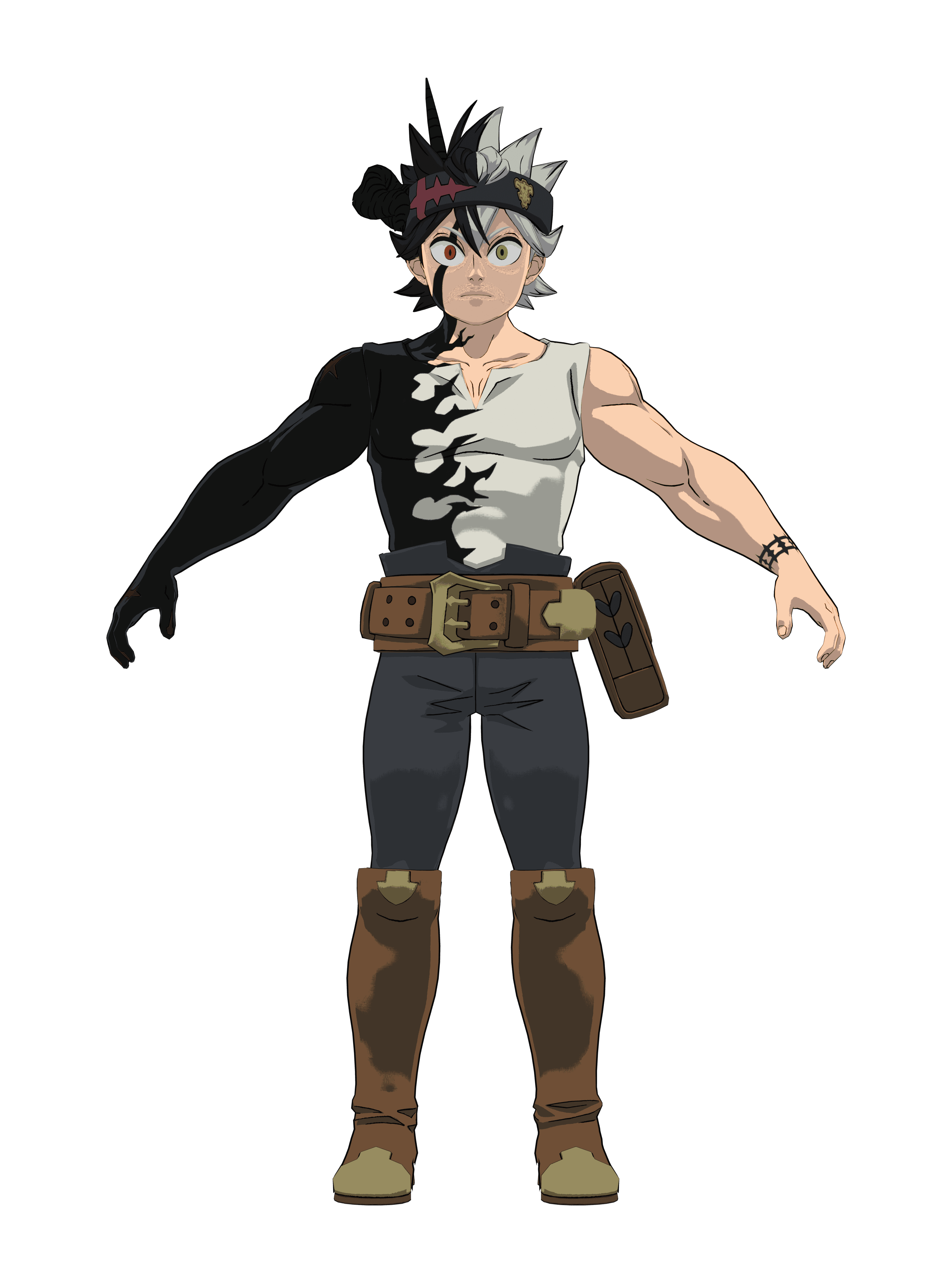
A screenshot shows a skin the way the game draws it on screen: in-game lighting, post-processing, a background to cut out. Our renders take another route. Each outfit is rebuilt in Blender from the game's own data, then rendered in a neutral pose, from the front, on a transparent background, at 4K.
Rebuilding takes far more work than capturing, but it is what makes the 3D model available too: the Blender file used for the render is the one you download from the skin's page.
Step 1: the data
For every outfit we read the game's files: the meshes of the body, the head and the accessories, the skeleton, the textures and the materials. The materials are the heart of the job. In Unreal Engine, a material is a graph of hundreds of small operations (texture reads, colour maths, masks, switches) that decides what every pixel of the outfit looks like.
Step 2: translating the materials
Our generator translates those graphs node by node into Blender shader nodes. The reusable pieces of a graph, which Unreal calls material functions, become shared Blender node groups: each is built once and used by every outfit that needs it, so a correction made for one skin improves all the others.
Each material of an outfit then gets its own version of its parent material, with the options the game switches on or off for it, its colours and its textures, the way the engine prepares materials when the game is built.
Step 3: every style
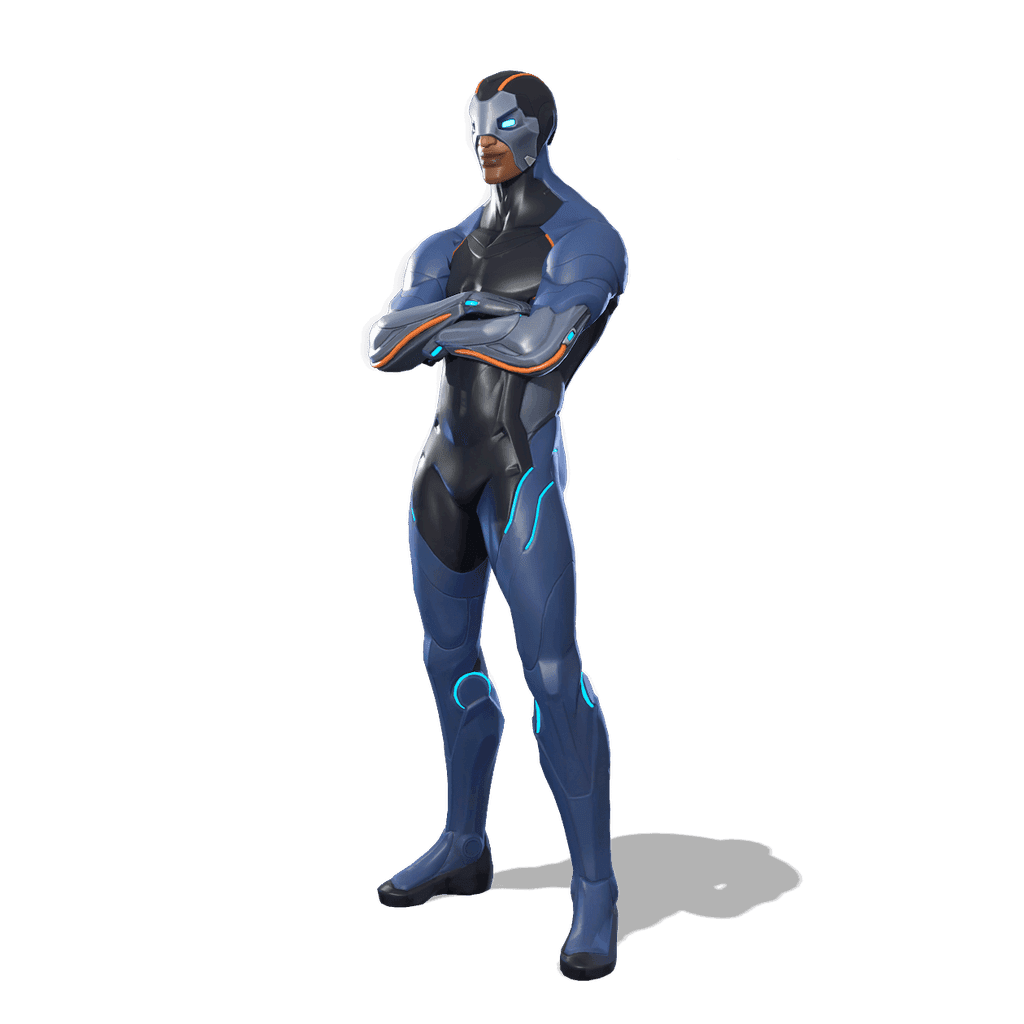
An outfit with styles is assembled once per combination: the right meshes, the right materials and the right settings, with the parts a style hides removed and the glows a style turns off switched off. Each combination gets its own render and its own Blender file: 24 of them for an outfit like Carbide.
Step 4: materials that need more than colours
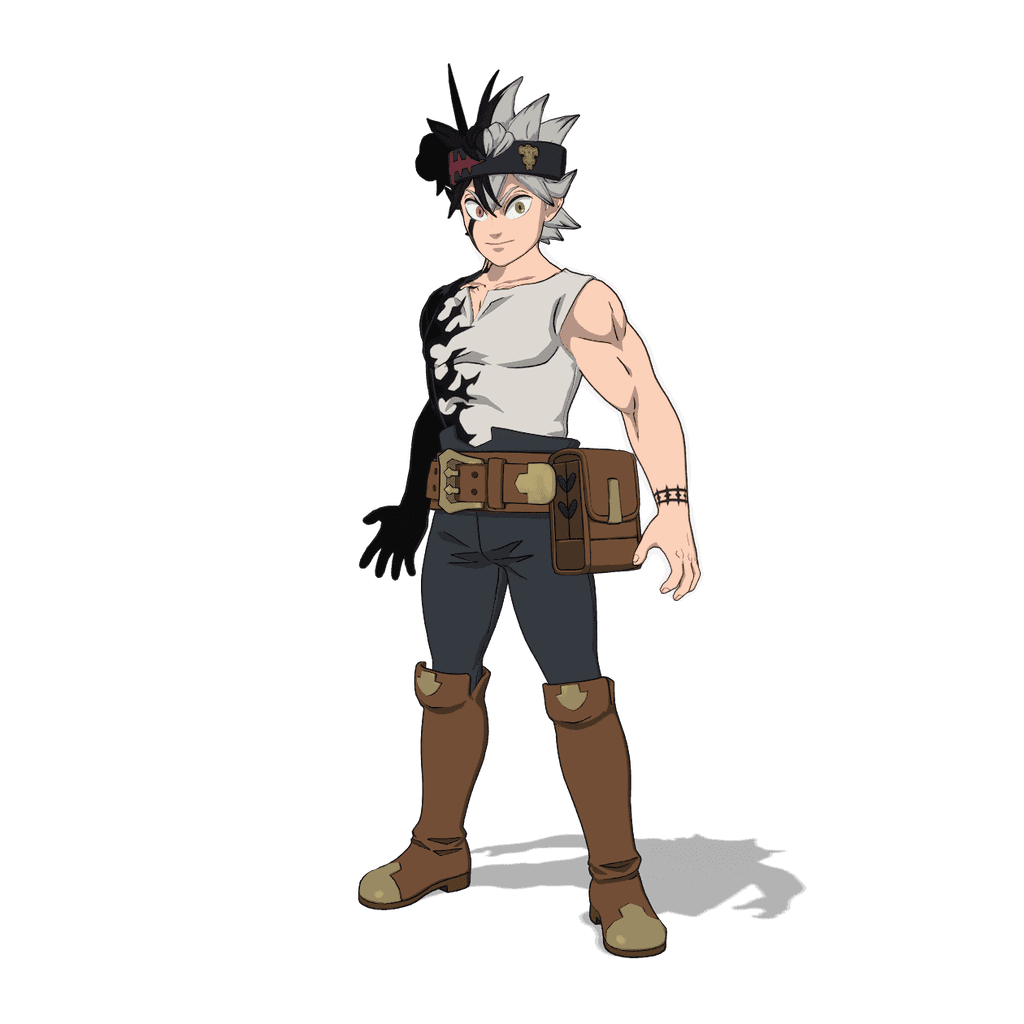
Skin is rendered with subsurface scattering so faces do not look like plastic; glass gets its transparency and reflections; glowing parts emit light. Cartoon outfits use a two-tone toon shading with an inked outline drawn around the silhouette. That is what makes an anime collaboration look like a drawing rather than a 3D model.
Some effects only exist on screen while the game runs, like certain animated or screen-space effects, and cannot always be reproduced in a still render. When an effect is missing, the outfit waits until the problem is solved instead of going online incomplete.
Step 5: the check
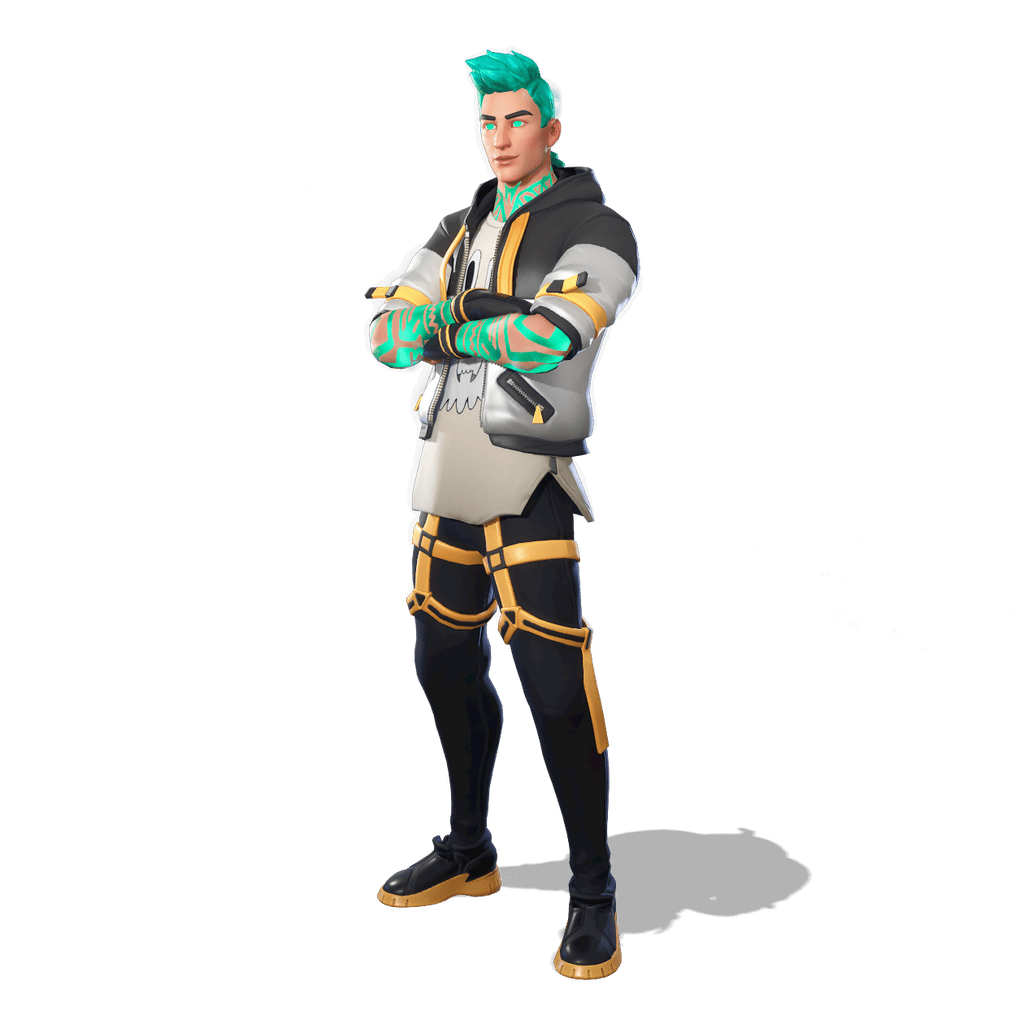
Before a skin goes online, its renders are laid out next to the official images on a review sheet and checked style by style: colours, missing or extra parts, outlines, glowing areas. A render that does not match goes back to the workshop, and the cause is fixed in the generator itself rather than retouched by hand on one picture.
That is why new skins arrive in batches every day instead of all at once, and why your votes matter: the most requested outfits move up the queue.
Download them for your thumbnails
4K transparent PNGs and Blender 3D models (.blend), free for your thumbnails and illustrations.